Care Needs
Practical help sign-ups, built into the care request.
A family needs practical help after surgery, a move, or a loss. Mow the lawn for five weeks. Clean out the attic. Change the oil. Staff a memorial luncheon in shifts. Today that is an email to the whole church, a hundred replies, and one person keeping track of who said yes.
Care Needs builds the sign-up right into the Care Request. List what the family needs, invite helpers, and each person gets a private link to say "I can help," with no login and no account. Every claim and every finished need lands on the Care Story, so the practical care is part of the record.
No credit card required · Setup in minutes
Care Needs
Ways to help Margaret
Sat 3 · Mow the lawn
Open
Anytime · Clear out the attic
1 of 3 signed up
Sat 10 · Mow the lawn
Open
Sat 17 · Serve at the luncheon
2 of 6 signed up
“A congregant needed the lawn mowed every Saturday for five weeks. One email went out to three hundred people, a hundred of them replied, and one person spent the next month keeping track of who had said yes to which week.”
Care Needs keeps track for you.
See It In Action
Two minutes, or the full walkthrough.
Both videos are hosted on training.carenote.app, with the rest of the CareNote video library beside them.
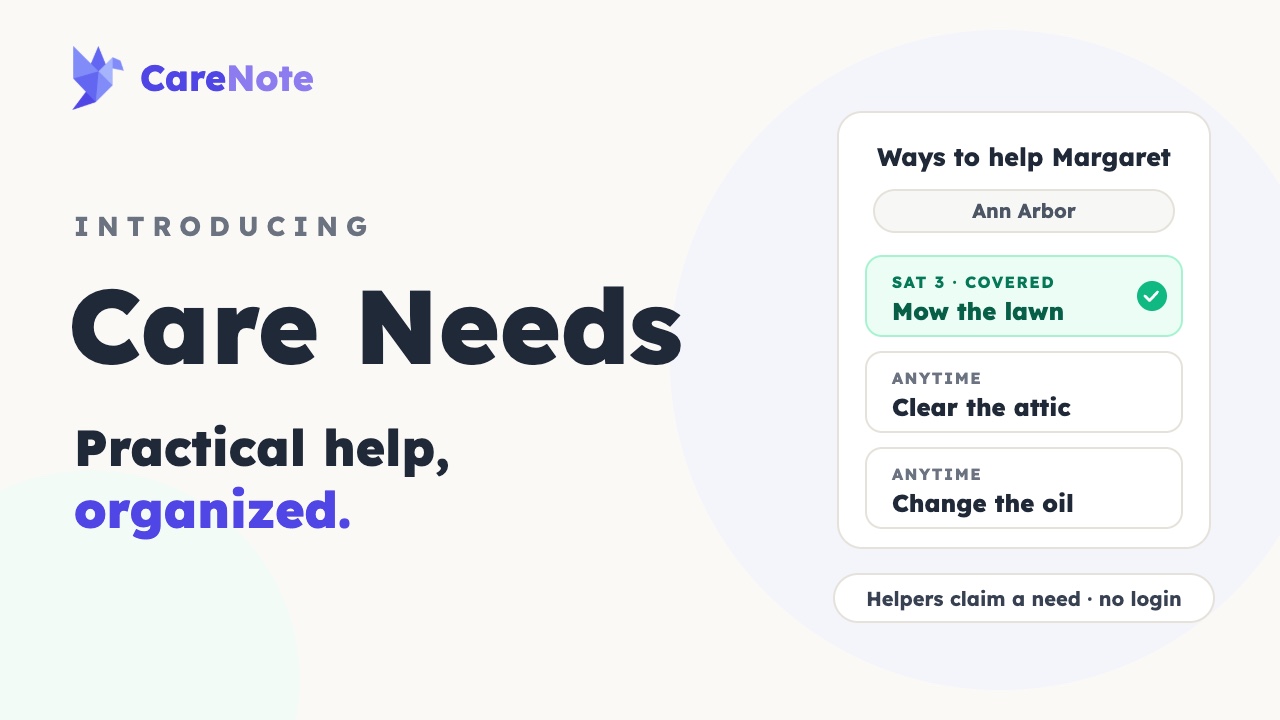 1:44
1:44Explainer
Introducing Care Needs
Margaret is home from surgery. The meals are covered, but the lawn still needs mowing. Watch the whole flow in under two minutes.
Watch on training.carenote.app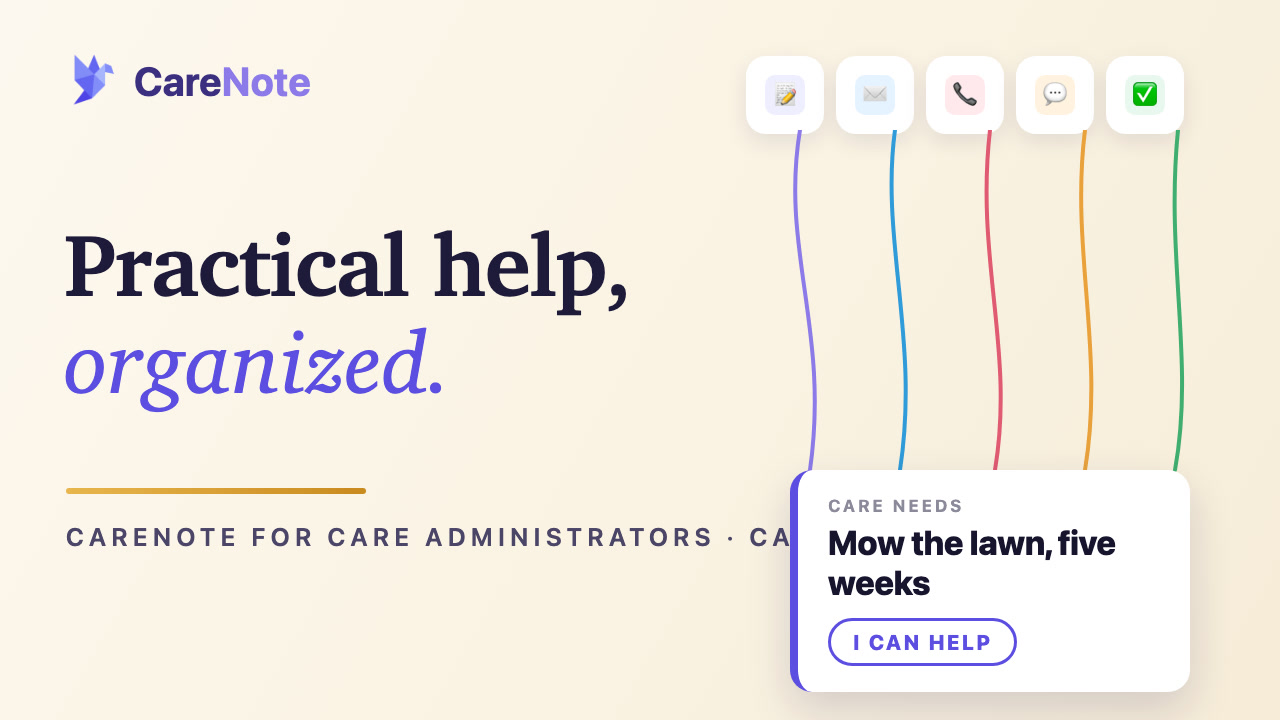 4:41
4:41Tutorial
Care Needs for Care Administrators
Every step, from Add Care Needs on a care request to the finished need on the care story, with chapters you can jump to.
Watch on training.carenote.appHow It Works
From a long list of needs to a covered calendar.
When a family needs practical help, the sign-up is only a few clicks away, and it never leaves CareNote.
Add Care Needs to a Care Request
From any eligible Care Request, click “Add Care Needs.” The family and their details carry straight over.
List the needs
Add a dated task, an anytime task with a deadline, a weekly repeating task, or timed shifts with a helper count.
Invite the helpers
Invite by name, a whole group, by affiliation, campus, or age, or anyone by email.
Helpers click “I can help”
Each person gets their own private link and a simple page. No login, no account.
The address stays protected
The public page shows the city only. The full address and on-site instructions go to the people who sign up.
Reminders do the chasing
Nudges go out only while a need is still open, with day-before reminders for those signed up. Once everything is covered, the emails stop.
Helpers mark it done
When the work is finished, a helper clicks “Mark it done” and leaves a note for the family.
It joins the Care Story
Every claim and every finished need lands on the Care Story as a touchpoint.
The Difference
Why a built-in beats a church-wide email.
A mass email collects replies. Care Needs coordinates the help, and it is part of the Care Request.
The email to the whole church
You write one message to everyone, wait for replies, and then keep a running list by hand of who said yes, who said maybe, and which Saturdays are still empty.
- A hundred replies and one person keeping track
- The family address passed around in an email
- Nothing recorded in the Care Story
Care Needs
The needs live inside the Care Request. Helpers sign up from a private link, the address stays protected, and every finished need posts straight to the Care Story.
- One list, with every need and who has it
- Only the city is public until someone signs up
- Every claim and finished need on the Care Story
Why Care Needs
What a mass email cannot do.
A reply-all collects names. Care Needs coordinates the help, privately, inside the system you already run.
Built into the Care Request
Care Needs is part of the Care Request, not a separate website. The family and their details carry straight over.
Needs that fit real life
Dated tasks, anytime tasks with a deadline, weekly repeating tasks, and timed shifts with a helper count.
Invite helpers four ways
By name, a whole group, by affiliation, campus, or age, or anyone by email.
Private by design
The public page shows the city only. The full address and on-site instructions go to the people who sign up.
No login for helpers
Helpers open their own private link, click “I can help,” and manage their sign-up without a CareNote account.
Reminders that stop on time
Nudges go out only while a need is open, with day-before reminders. Once everything is covered, the emails stop.
A link for the family point person
Their own link to keep details current, add a need, and post a thank-you. Coordinators can pause, post an update to everyone, sign up a helper who called the office, and mark it complete.
Every need joins the Care Story
Each claim and each finished need posts to the Care Request timeline automatically.
Built to live inside your care
Some care comes with a casserole. Some comes with a lawn mower. CareNote organizes both, inside the care request, with the care story to show for it.
The Offer
One flat price. Unlimited help.
Care Needs is an optional CareNote add-on. Add practical help to any care request with a single click, with confirmations, reminders, visibility, and reporting included.
$199
Per year
A flat annual price, billed alongside the rest of CareNote.
$0
Setup fee
Turn it on the moment a family needs practical help.
Unlimited
Care Needs pages, invitees, emails
No caps and no per-send charges. Coordinate every season of need.
Related Features
More of the care system Care Needs plugs into.
Care Needs runs on the same rails as the rest of your care ministry.
Care Table
The meal sign-up built into the same Care Request.
Learn moreCare Requests
The need every Care Needs page is attached to, from intake to completion.
Learn moreCare Story
The timeline every claim and finished need posts to automatically.
Learn moreSHAPE Assessment
Match a care need to the congregants built to meet it.
Learn moreReady to organize practical help without the reply-all?
Start your free trial or book a demo to see how Care Needs coordinates a season of practical help inside your care system.